
USA Servers
38.34.162.134For North America access, Los Angeles routes, high-bandwidth and multi-IP deployments.
Test with itdogBefore ordering, test Hong Kong, USA and Korea nodes from your target region. The test IPs below are for basic latency and route checks. Actual results may vary by ISP, city and time period.
Use local ISP tests, target-user-region tests and third-party tools together for a more realistic view of network quality.
For North America access, Los Angeles routes, high-bandwidth and multi-IP deployments.
Test with itdogFor Asia-facing access, cross-border services, multi-site deployment and low-latency scenarios.
Test with itdogFor Korea and East Asia access, including SK / KT resource selection.
Test with itdogYou can enter the test IPs into third-party tools such as itdog.cn to check latency, packet loss and route behavior across different cities and ISPs. The panel is a display example; final results should be based on your own real-time tests.
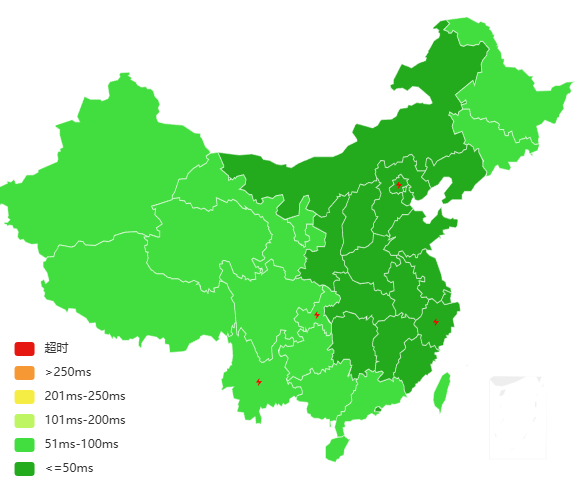
Check average latency, packet loss and jitter from your target region.
Review cross-border route, ISP handoff and intermediate node stability.
For traffic-heavy workloads, confirm port speed, committed bandwidth and test files before ordering.
Confirm IP quantity, route, setup time and acceptable use requirements with our advisor.